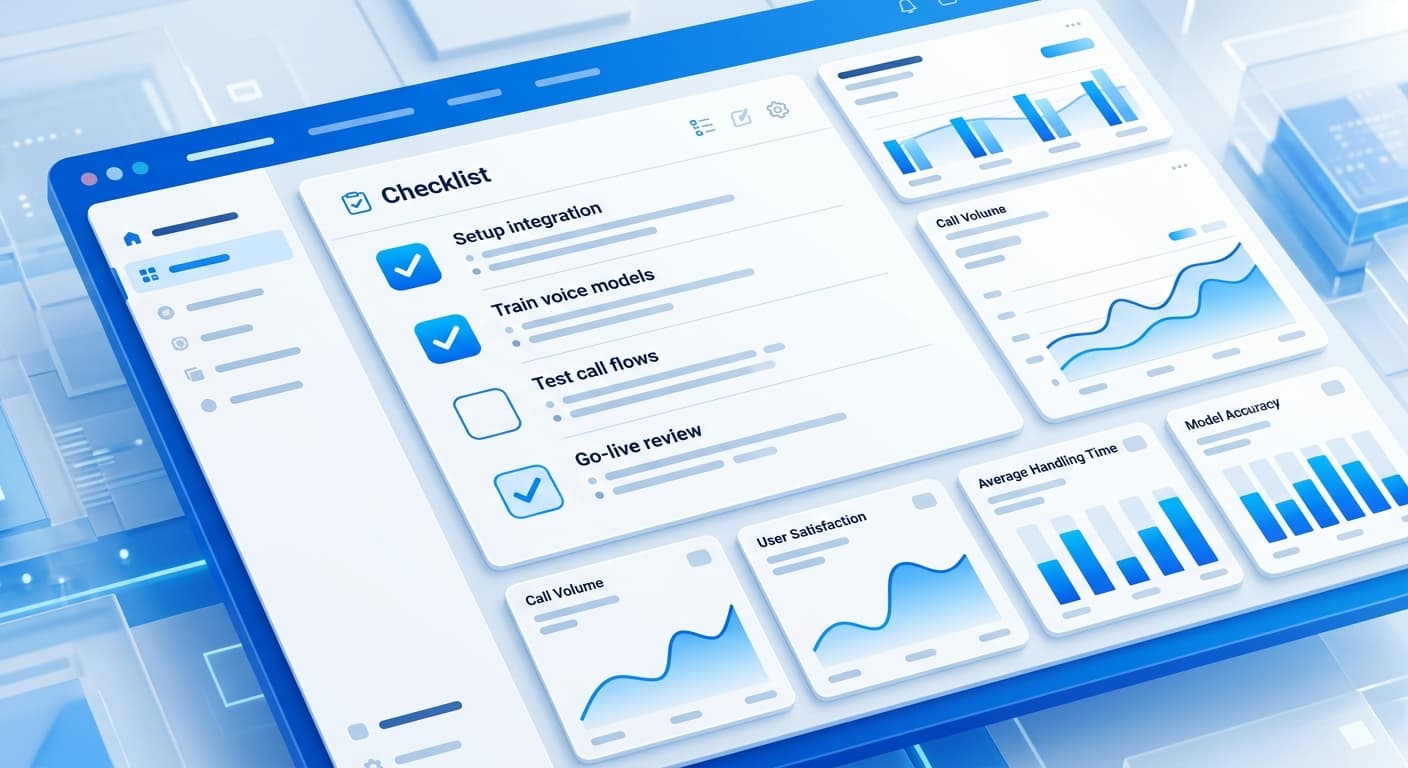
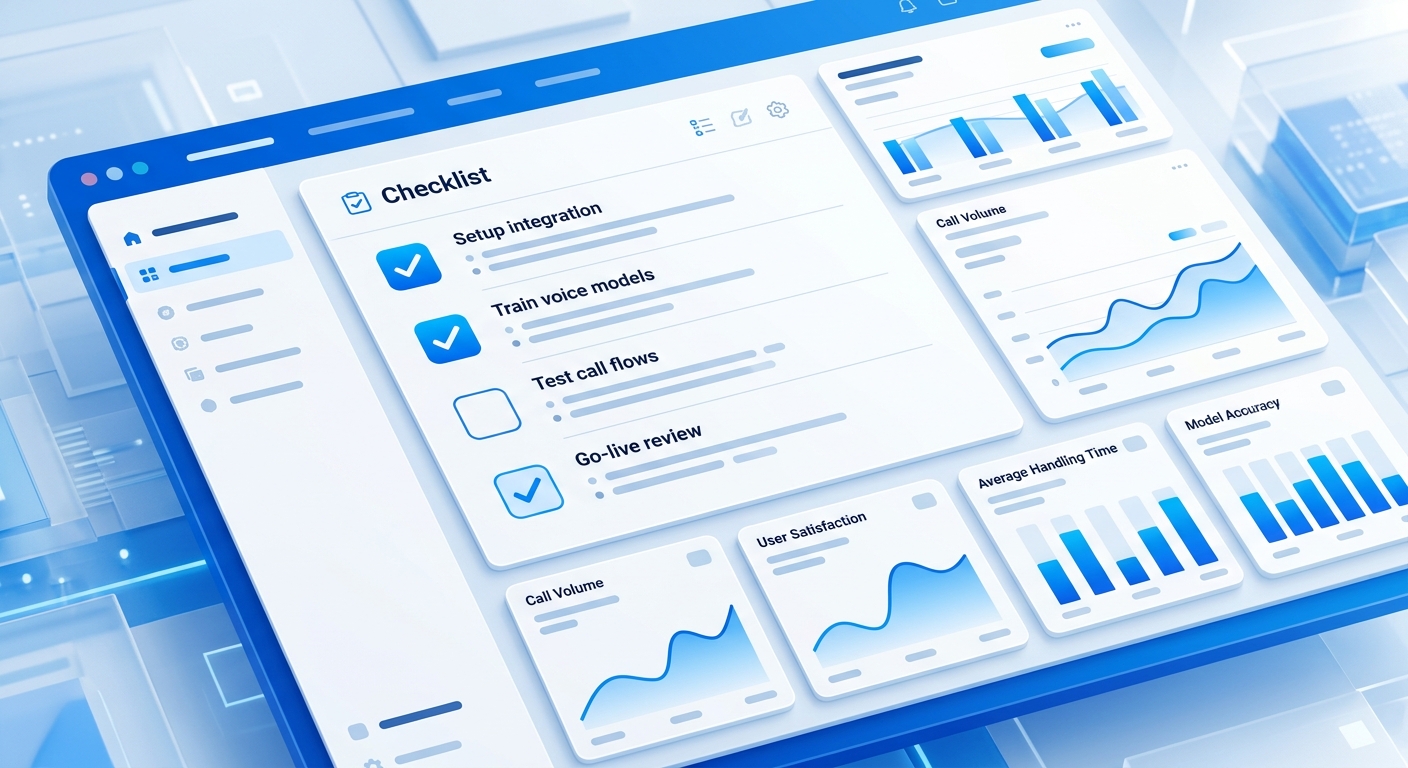
An AI receptionist features checklist covers 12 must-have capabilities across six categories: core call handling, customization and control, self-learning, integrations, pricing transparency, and setup. The feature 94% of buyers don't think to verify — behavioral self-improvement — is what separates platforms that compound over time from ones that perform identically in month 12 as they did on setup day. Ask every vendor to demonstrate it live.
Most buyers evaluate AI receptionists on voice quality and price. Both matter, but neither predicts whether the agent will increase your call conversion rate over time. Use this checklist as a live verification tool during every demo — not a theoretical reference. Every item includes the exact question to ask before you sign.
The question isn't "do you have calendar integration" — it's "demo a live calendar booking on this call right now, then show me what happens when the slot fills." Vendors who can't demonstrate a feature live rarely have it working reliably in production.
| Feature | RevSquared AI | Smith.ai | Goodcall | HeyRosie |
|---|---|---|---|---|
| 24/7 answering, sub-2s pickup | ✅ | ✅ | ✅ | ✅ |
| 10+ concurrent calls | ✅ | ❌ | ❌ | ❌ |
| Natural multi-turn conversation | ✅ | ⚠️ | ⚠️ | ⚠️ |
| Plain-English behavior updates | ✅ | ❌ | ❌ | ❌ |
| Voice cloning | ✅ (Pro+) | ❌ | ❌ | ❌ |
| Automated call pattern analysis | ✅ | ⚠️ | ⚠️ | ❌ |
| Self-updating behavior from calls | ✅ | ❌ | ❌ | ❌ |
| Real-time calendar booking | ✅ | ✅ | ⚠️ | ✅ |
| Auto CRM logging | ✅ | ⚠️ | ❌ | ❌ |
| Transparent all-in pricing | ✅ | ❌ | ⚠️ | ❌ |
| Live in under 5 minutes | ✅ | ❌ | ⚠️ | ✅ |
| Real-time urgent support | ✅ | ❌ | ❌ | ❌ |
✅ Full support · ⚠️ Partial or limited · ❌ Not available
01Core Call Handling
Feature 1: 24/7 availability with sub-2-second pickup
Every AI receptionist claims 24/7 availability. The specific number to verify is pickup latency: does the system answer in under 2 seconds, and does that hold at 11 PM on a Friday — not just during a 10 AM demo call? Call the number they give you at an off-hours time. If you get 4 rings before the AI picks up, your callers will too.
Feature 2: Concurrent call capacity
A single-call system creates the same bottleneck you had with one human receptionist. During peak hours — morning rush for home services, lunchtime for professional services, end-of-day for law firms — businesses don't receive calls one at a time. Ask for a specific concurrent call limit and confirm what happens when you hit it: overflow to voicemail, or a queue? A real answer is a number. "Scalable" is not an answer.
Feature 3: Natural multi-turn conversation
Scripted bots pass the demo call because demo calls are scripted. Real callers interrupt, change their answers, and ask questions nobody anticipated. During your demo, go off-script twice: give an unexpected answer and ask a question the sales rep didn't prepare for. If the AI handles both and keeps the conversation moving, the model is robust. If it loops back to the beginning, it's a script with a better voice.
02Customization & Control
Feature 4: Plain-English behavior updates — no prompt engineering
This is the most predictive feature on the list for long-term performance. If changing agent behavior requires a developer, a support ticket, or learning a prompt syntax — it won't happen consistently. Agents that aren't updated based on what call data reveals stay at their day-one performance permanently, regardless of how many calls they handle.
Ask this live during the demo: "Change one thing about how the agent handles calls right now, from the dashboard, in plain English." Watch what it requires. If it's done in under 60 seconds, that's a real feature. If the rep says "we can schedule that update" — the agent doesn't change in real time. RevSquared's plain-English prompt adjuster lets you type "stop asking about photos on refacing calls" and it's live immediately.
Feature 5: Voice selection and cloning
Standard voice libraries are table stakes — every platform has them. What matters is whether you can find a voice that fits your brand, and whether voice cloning is available for businesses where caller recognition of a specific voice builds trust. Confirm which pricing tier includes cloning. RevSquared includes 1,000+ voices on all plans; voice cloning requires Pro or Growth.
Ask the vendor: right now, during this call, change the agent's behavior using plain English. That single test tells you more than the entire rest of the demo.
03Self-Learning & Improvement
Feature 6: Automated call pattern analysis
At 100 calls per month, manually reviewing recordings is a part-time job. The platform should automatically surface which call types are converting, where callers are dropping off, and what questions are causing hesitation — without you pulling the report. Ask: "After 30 days of calls, do I get an automated summary showing where leads are dropping, or do I have to find that myself?"
Feature 7: Behavioral self-improvement from call outcomes
This is the feature almost nobody asks about on a demo call, and the one that separates platforms that compound from ones that stagnate. A self-improving AI agent analyzes call outcomes — booked, dropped, unqualified — and adjusts its own behavior accordingly. Without it, the agent performs exactly the same in month 6 as it did on setup day, regardless of what 600 calls revealed about how your customers actually talk.
RevSquared's Sales Manager AI analyzes every call and applies behavioral learning automatically. Customers who tune their agents in the first 30 days see 19% higher booking rates than those who leave the agent unchanged after setup. The verification question: "Does the agent change how it handles a call type based on what worked last month — automatically, without a support request?" If the answer is "we have analytics," push back. Analytics is reporting. Self-learning is behavior change.
An agent that doesn't improve from call data performs identically in month 12 as it did on day one. After 500 calls, your agent should have learned how your customers actually talk. If the behavior hasn't changed, the platform hasn't learned anything.

04Integrations
Feature 8: Real-time calendar booking during the call
The distinction that matters: does the booking happen live, while the caller is on the phone, directly into your calendar — or does the AI "collect their info" for you to convert later? Only live calendar integration eliminates the gap where leads fall out. Test this in your trial: call the agent, walk through intake, and book an appointment. Open your calendar immediately after hanging up. The booking should already be there.
Feature 9: Automatic CRM logging without manual entry
Every call should auto-create or update a contact record with the caller's name, phone number, call summary, qualification status, and next step — zero manual entry. If the platform logs calls to its own dashboard but not your CRM, your team still faces manual data entry, which means it won't happen consistently. Ask which CRMs they integrate with natively versus through Zapier only. RevSquared integrates natively with GHL, HubSpot, Salesforce, and others, creating contact records automatically on every inbound call.
Your AI agent books a lead. Now open your CRM. Is the contact there with a call summary? If you have to create it yourself, the integration isn't actually integrated.
05Pricing Transparency
Feature 10: Predictable all-in cost at your actual call volume
AI receptionist pricing almost always combines a base fee with per-minute billing. At low call volume, per-minute charges are minor. At 300+ calls per month averaging 3 minutes each, a $0.13/minute rate adds $117 to the base fee — and that's before overages or premium features. Platforms advertising a $49/month headline number with per-minute billing can easily run $250–350/month at real volume.
Give every vendor your actual monthly call count and average call duration. Ask for the all-in monthly estimate in writing. Compare that number — not the headline price. For a full platform-by-platform breakdown, see our AI receptionist pricing comparison.
Never compare base prices between AI receptionist platforms. Give every vendor your actual call volume and ask for the all-in monthly estimate. That's the number that matters — and it's rarely what's on the pricing page.
06Setup & Ongoing Support
Feature 11: Live within 5 minutes — not after a 2-week onboarding
Platforms that require a kickoff call, a business information questionnaire, and a 7–14 day setup timeline lose the majority of trial users before the agent handles a single call. That delay creates friction that makes the platform feel complex — even if the product is good. Ask directly: "How long from the moment I enter my credit card to the moment my first live call goes through?" The answer should be measured in minutes.
Feature 12: Real-time support when the agent mishandles calls
Your AI receptionist is a revenue-generating system. When it mishandles a call type — and every agent does something unexpected at some point — you need a resolution in minutes, not 72 hours. An email ticketing queue is not acceptable for a system that's the first voice your customers hear. Ask the vendor: what's the response time for urgent issues, and on what channel? RevSquared Growth customers get a dedicated Slack channel and direct account manager access.
Platforms that require a 2-week onboarding before your first live call lose most trial users before the agent handles a single call. Setup speed is a product decision, not a logistics problem — and it predicts whether your team will actually adopt the system.
07Frequently Asked Questions
What are the most important AI receptionist features?
The six categories that determine real-world performance: core call handling (24/7 availability, concurrent capacity, multi-turn conversation), customization (plain-English control, voice options), self-learning (automated analysis, behavioral adaptation), integrations (live calendar booking, CRM sync), pricing transparency, and setup speed. The most commonly overlooked is self-learning — whether the agent gets better over time without technical intervention from you.
How do I verify an AI receptionist vendor's features before signing?
Run three live tests on every demo: (1) Call the demo number at an off-hours time to verify true 24/7 pickup speed. (2) Go off-script twice — give an unexpected answer and ask something the rep didn't anticipate. (3) Ask the rep to update one agent behavior in plain English, live on the call, and time it. Vendors who can't pass all three in real time are selling a demo experience, not a production product.
How much does an AI receptionist cost per month?
Total costs for small businesses range from $49 to $500+ per month depending on platform and call volume. Per-minute billing is nearly universal — at 200 calls per month averaging 3 minutes each, a $0.25/minute platform adds $150 on top of the base fee. Always calculate all-in cost at your actual volume. Full breakdown in our AI receptionist cost guide.
What's the difference between AI call analytics and AI self-learning?
Analytics gives you call data — transcripts, recordings, conversion rates by call type. Self-learning means the agent changes how it handles future calls based on what the data reveals, automatically, without a developer or support request. Most platforms have analytics. Very few have behavioral self-learning. The verification question: "Does the agent's behavior change on its own based on call outcomes — or does that require a support ticket?"
Can I try an AI receptionist before committing long-term?
Yes. Most platforms offer a free trial ranging from 7 to 30 days, and none of the major platforms require an annual contract. RevSquared offers a 7-day free trial with full platform access — setup takes under 5 minutes. Use the first 3 days to run through the 12-feature checklist above on live calls. By day 4 you'll know whether the platform is worth committing to.
Try RevSquared free for 7 days.
Set up your agent in under 5 minutes. Live on your existing number. No contract.