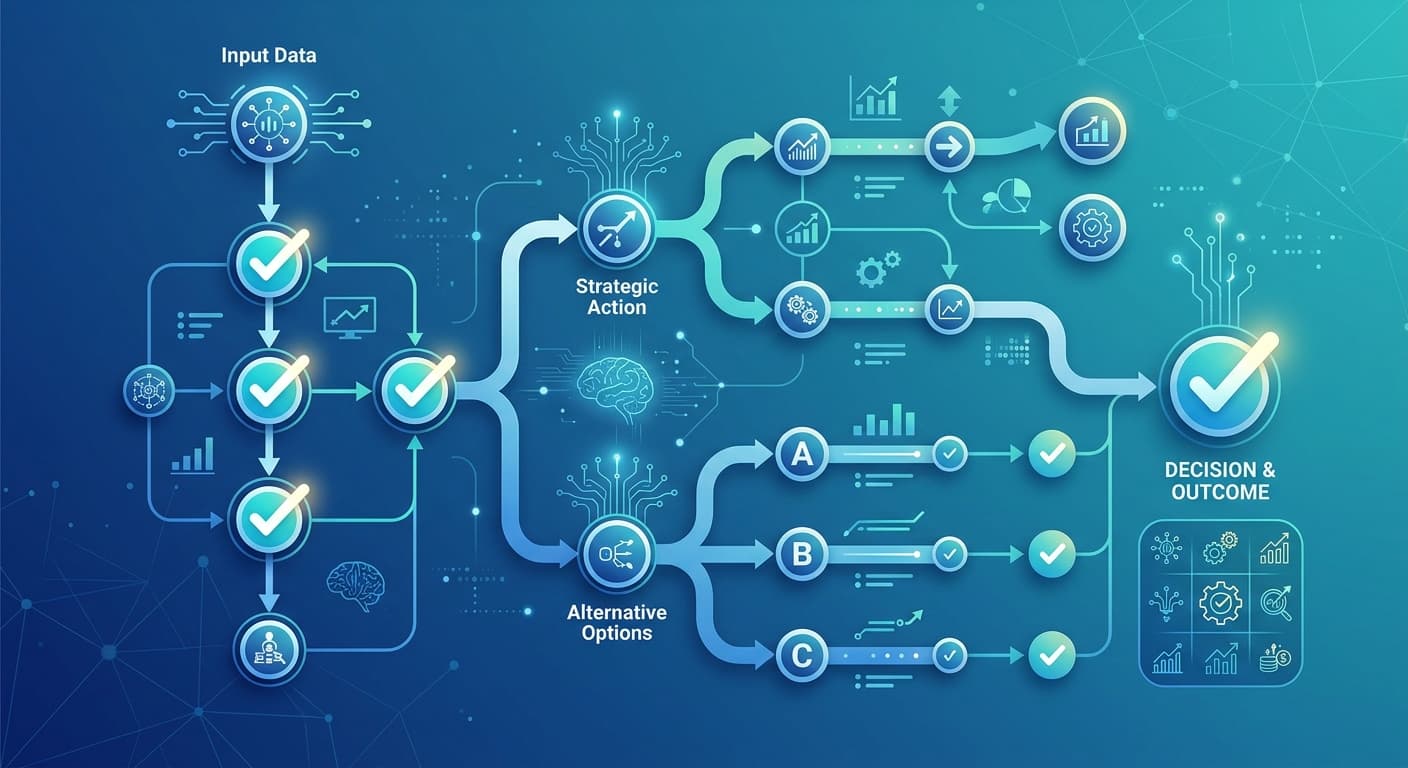
Choosing an AI phone answering service comes down to five criteria: self-improvement after calls, plain-English updates without developers, real all-in pricing after per-minute fees, simultaneous call capacity, and integration depth with your CRM. Revenue Squared AI starts at $147/month plus $0.25/minute — improves itself after every call, requires no prompt engineering, and connects to GoHighLevel, HubSpot, Google Calendar, and 1,000-plus other tools.
According to Missed Call Statistics 2026, 62% of calls to small businesses go unanswered — and when they do, 85% of those callers never call back. The revenue loss isn't abstract: the average small service business loses $126,000 per year from missed calls alone. Buying the wrong AI answering service trades one problem for another: an agent that sounds capable in the demo, then fumbles your callers three months after launch.
Most businesses pick an AI answering service the same way they pick a cable plan — scan the pricing page, check a few feature boxes, sign up for whatever sounds good at that price. Three months later, the agent is still saying the wrong thing, per-minute charges are double what they expected, and their CRM has zero entries from the AI because "integration" meant Zapier, which nobody set up.
The most expensive AI answering service isn't the one with the highest price tag — it's the one you pay for three months before realizing it can't do what you actually need.
01Does the AI get smarter after every call, or run the same script forever?
This is the single most important question in the evaluation. Every AI answering service sounds intelligent during the demo. The voice is natural, the booking flow works, the FAQ answers are accurate. What you don't see in the demo is what happens three months after launch, when a caller asks something nobody anticipated during setup.
Static AI answering services — and there are many, including template-based platforms like HeyRosie, basic Bland.ai deployments, and entry-level Dialzara plans — run the same script they launched with until someone manually updates it. Every edge case the agent fumbles today, it will still fumble in six months unless a developer rewrites the logic. Most small business owners don't have a developer on retainer for this. The agent stays broken.
Self-improving agents work differently. After every call, the system analyzes what happened — which questions confused the agent, which callers transferred unnecessarily, which responses landed well. That analysis feeds back into the agent automatically. Not via a prompt rewrite. Not via a support ticket. Via a natural-language update system that any business owner can operate.
Coastal Dental was hitting missed calls and incorrect FAQ responses daily before switching to Revenue Squared AI. After going live, they hit 100% call capture — with an agent that keeps improving as it handles more calls. That outcome isn't possible with a static script.
When evaluating any platform, ask this directly: "If my agent gives a wrong answer today, what is the exact process to fix it — and does that process require a developer?" If the answer involves anyone other than you, you're looking at a static product.
Static AI answering services aren't bad at the demo. They're bad at month three, when the edge cases your callers actually have meet the script your team built in week one.
02Can you update it yourself in plain English — or do you need a developer?
Related to self-improvement, but distinct. Self-improvement is what the agent does automatically from call data. Plain-English control is what *you* do when you need to make a deliberate change.
Consider this scenario: a roofing company's AI was asking about photo documentation on insurance claim calls — which made sense for residential jobs, but was completely wrong for commercial refacing calls. On most platforms, the fix means opening a ticket, describing the issue to a prompt engineer, waiting 24-72 hours (the standard at platforms like SimpleTalk), reviewing the revision, and re-testing.
On Revenue Squared AI, the owner typed: "Stop asking for photos on commercial refacing calls." The prompt adjuster updated the agent immediately. No ticket, no developer, no wait.
This distinction matters more than it sounds. Your business changes constantly. You add services. Prices shift. Seasonal hours kick in. You stop taking certain job types. Every one of these events requires an agent update — and on a prompt-engineering platform, every update is a project. On a plain-English platform, it's a sentence.
Ask any platform you evaluate: "Show me exactly how I change the agent's behavior after I'm live. What do I type or click?" If the answer involves anything other than a simple text interface, you're signing up for someone else's IT queue.
If updating your AI answering service requires a developer, it will rarely get updated. A broken agent that nobody fixes is worse than no agent — it trains your callers to hang up.
03What are you actually paying per month?
The number on the pricing page is not what you will pay. Almost every AI phone answering platform charges a base fee plus per-minute or per-call charges — and the math between those two numbers is where most buyers get surprised.
Here is how to calculate your real monthly cost before you sign anything: take your average monthly call volume, multiply by average call duration in minutes, multiply that by the per-minute rate, then add the base fee. That is your monthly bill.
A few examples at 200 calls per month averaging 3 minutes each (600 total minutes):
| Platform | Base Fee | Per-Minute Rate | 600-min Total |
|---|---|---|---|
| Revenue Squared AI Starter | $147/mo | $0.25/min | $297/mo |
| Synthflow (mid-tier) | ~$150/mo | $0.18/min | $258/mo |
| Nextiva XBert | $99/mo | $0.99/call (not per-min) | $297/mo |
| Retell AI | $0/mo | $0.07/min | $42/mo |
| Bland.ai | $0/mo | $0.09/min | $54/mo |
Retell AI and Bland.ai look cheap — until you factor in the time and cost of building and maintaining the prompt yourself, which most SMBs can't do without a developer. Nextiva's per-call fee gets brutal at volume. See RevSquared's full pricing breakdown and the complete cost comparison of every major platform for a deeper breakdown.
Other pricing traps to check before you sign: Is CRM integration included at your tier, or a paid add-on? Is voice cloning included or extra (on Revenue Squared AI it's Pro and Growth only)? Is there a per-call fee on top of the per-minute charge? What happens if you exceed your included minutes?
To save $50 a month on the base fee, most business owners choose a platform with higher per-minute rates and end up paying more. Always calculate on your actual call volume, not the headline price.
04How many calls can it handle at the same time?
Most buyers think about missed calls as a timing problem — calls that happen after hours or when the team is tied up. What they don't account for is concurrent volume: multiple calls arriving at the same moment.
HVAC companies during a heat wave. Dental offices on Monday morning. Roofing contractors after a storm. These are exactly the scenarios where the most revenue is at stake — and precisely when single-threaded AI systems route callers to voicemail.
Ask every platform two questions: "What is the maximum number of simultaneous calls the agent handles?" and "Is there an extra charge for concurrent call capacity?" Some platforms throttle concurrent calls and route overflow to voicemail, which defeats the entire point of 24/7 AI coverage. Others charge per concurrent call slot. Understand this structure before you commit — especially if your industry has predictable volume spikes.
An AI answering service that routes overflow calls to voicemail is not a 24/7 solution — it's a part-time solution with a 24/7 sales pitch. Get the concurrent call limit in writing before signing.
05Does it connect to the software your business already uses?
The gap between an AI answering service that captures leads and one that actually grows revenue is integration depth. If the agent books an appointment but it doesn't sync to your calendar, you're double-entering data. If it captures lead info but never writes to your CRM, that lead will fall through.
Integration depth has three tiers:
Tier 1 — Native integrations: A direct, maintained connection to your tools. No middleware, no Zapier layer, no "coming soon." Revenue Squared AI has native integrations with GoHighLevel, HubSpot, Salesforce, Google Calendar, Calendly, Cal.com, Twilio, Zapier, and n8n. If your stack is on that list, integration is a checkbox in setup — not a project.
Tier 2 — Zapier/webhook integrations: The platform hands data to Zapier, which routes it to your CRM. This works for basic lead capture, but every Zap introduces latency, failure points, and a monthly Zapier cost. Not ideal for real-time appointment booking where speed-to-book directly affects conversion.
Tier 3 — "Integration available on request" or "coming soon": It doesn't exist yet. Don't buy on a roadmap.
Confirm the *specific* integration, not just "yes we integrate with your CRM." Ask which actions it triggers at your tier: does it create contacts, add tags, fire automations, sync calendar events? Vague confirmation is not a confirmation.
06What happens when a caller goes off-script?
Every AI answering service looks good during the demo because demos follow the expected path: caller asks about hours, agent answers; caller wants to book, agent books. The real test is the off-script caller.
"I have a question about my last invoice." "I want to speak with my specific technician." "I need to cancel the appointment I booked on your website." None of these fit a standard booking flow — and all of them happen every single day.
The three possible outcomes when callers deviate from the expected flow:
1. The agent fumbles and the caller hangs up. This is what happens with static-script platforms. The agent hits an edge case it wasn't built for and stalls. The caller moves on to a competitor.
2. The agent escalates appropriately. Good platforms recognize their limits and route to a human with context — "Caller is asking about Invoice #4421, transferring to billing." This is acceptable.
3. The agent handles it. The best platforms train on your actual call history rather than a generic template. Off-script moments that would break a static agent become edge cases the self-improving agent learns from and handles better next time.
Ask every vendor during the evaluation: "Show me what happens when a caller asks something the agent doesn't have a scripted answer for." That ten seconds will tell you more about the platform than the rest of the demo combined.
07Your AI Answering Service Evaluation Scorecard
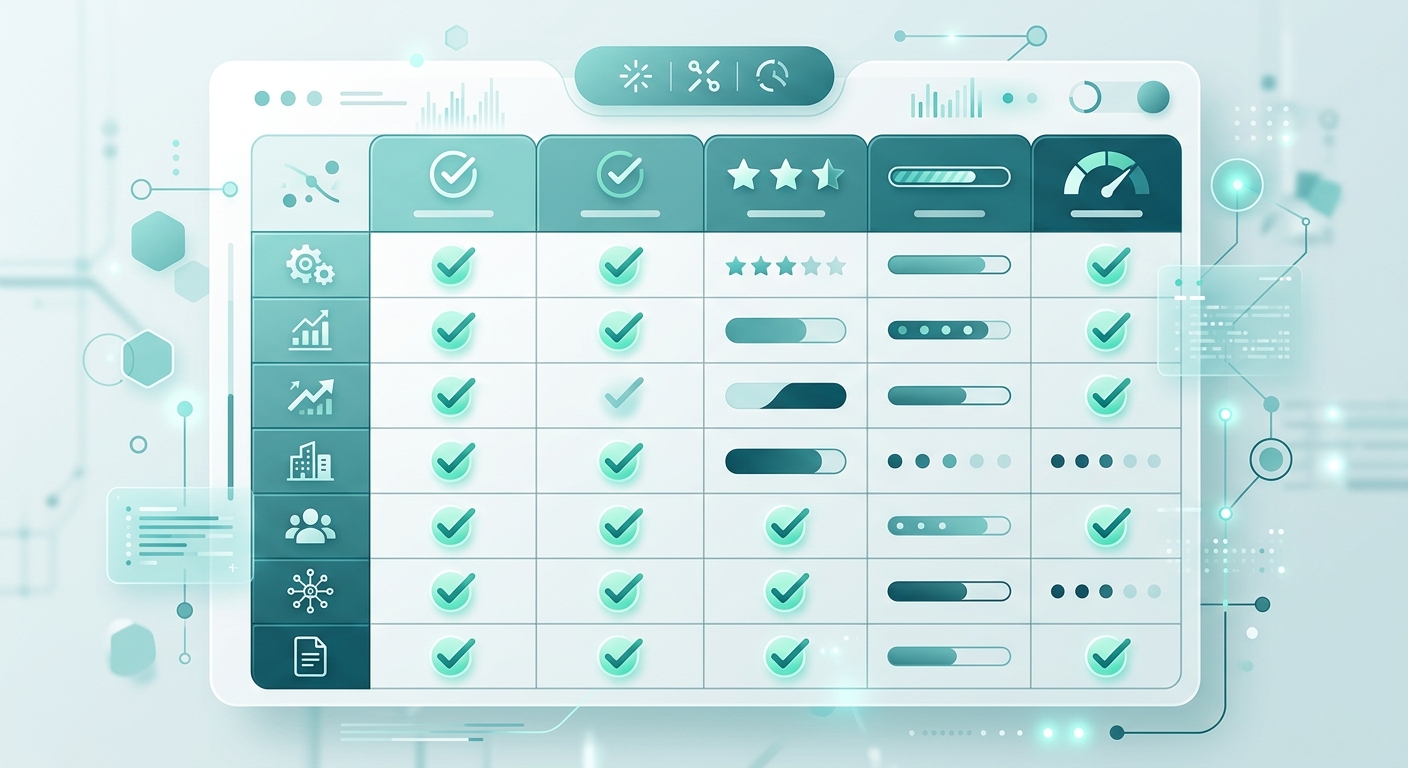
Score every platform you evaluate on these five criteria. 0 = poor, 1 = adequate, 2 = excellent. A total score of 8-10 means the platform is ready to deploy. 5-7 means you'll hit friction within 90 days. Below 5, keep looking.
| Criterion | Score 0 | Score 1 | Score 2 |
|---|---|---|---|
| Self-improvement — learns from real calls automatically | Static script only | Updates via support ticket | Auto-learns after every call |
| Plain-English control — owner can update without code | Requires developer or prompt engineer | Submit request, wait 24-72 hrs | Instant plain-English text field |
| Transparent pricing — you can calculate your real monthly cost | Hidden fees, complex billing | Requires manual calculation | Clear per-minute + base breakdown |
| Concurrent capacity — no overflow to voicemail | Overflow to voicemail at peak | Limited capacity, add-on cost | Scales automatically |
| Native integrations — CRM + calendar at your tier | API only or "coming soon" | Zapier layer only | Full native at Starter tier |
Revenue Squared AI scores a 10 across all five criteria. Try it free for 7 days and score it yourself against every competitor you're considering.
The AI receptionist features checklist walks through the secondary features worth evaluating after you've confirmed the five above.
You don't need to test dozens of platforms. You need to score five criteria consistently. Most buyers skip criterion one — self-improvement — and spend months wondering why their agent isn't getting any better.
08Bottom Line
Every AI answering service marketing page says they're the best. The demos all look identical. The way to cut through is to stop shopping features and start scoring criteria.
Ask whether the agent improves itself after calls. Ask how you update it after launch — exactly what do you type or click? Calculate the full monthly cost including per-minute fees on your actual call volume. Understand the concurrent call limit before a storm hits. Confirm integration depth with your real stack — not "we support GoHighLevel" but "which GoHighLevel actions does it trigger at my tier?"
The businesses that get this right early — ProClean (23 bookings in their first week), Metro HVAC (35% revenue increase in 3 months), Westside Law ($50K+ saved vs. their previous answering service) — aren't buying the cheapest option or the most-featured one. They're buying the one that scores highest on the criteria that determine whether they're still using it six months from now.
For a side-by-side look at the top platforms, see the best AI answering services for small business comparison. And when you're ready, start your free trial on Revenue Squared AI — score it against any competitor before you commit.
09Frequently Asked Questions
What is the most important feature to look for in an AI phone answering service?
Self-improvement after real calls. Every platform works in the demo — the script runs clean, the voice sounds natural, the booking flow works. What separates good platforms from bad ones is what happens at month three, when your callers are asking things nobody scripted for. If the agent doesn't learn from real call data automatically, someone has to manually fix every gap. That someone is usually you, and it usually doesn't happen.
How much does an AI phone answering service actually cost per month?
More than the pricing page says, because almost every platform charges a base fee plus per-minute or per-call charges on top. Revenue Squared AI is $147/month on Starter plus $0.25/minute. A business with 200 calls per month averaging 3 minutes each pays around $297/month total. Always calculate on your real call volume — never on the base fee alone. Platforms with higher per-minute rates ($0.18-$0.24/minute) become significantly more expensive as call volume scales.
What questions should I ask an AI answering service before signing up?
Five questions: (1) Does the agent improve itself automatically after calls? (2) How do I update it after launch — show me exactly what I type or click? (3) What is my total monthly cost at my actual call volume including per-minute fees? (4) What is the maximum number of simultaneous calls without routing to voicemail? (5) Which CRM and calendar integrations are included at my tier — not as a paid add-on? The answers to these five questions will tell you more than any demo.
What is the difference between an AI answering service and a live answering service?
A live answering service puts a human on the phone who takes a message and promises a callback. An AI answering service handles the full call: qualifies the lead, books the appointment, captures data to your CRM, and handles dozens of simultaneous calls with no hold time. Live services typically cost $200-$400/month. AI starts at $147/month. The more meaningful difference is the outcome for the caller — live services mean a callback; good AI means a confirmed booking before they hang up.
What is the AI Sales Manager and do I need it?
The AI Sales Manager analyzes call outcomes and surfaces improvement opportunities in plain English — which questions caused drop-offs, which call flows convert best, which agents need updating. It's included in Revenue Squared AI's Pro and Growth plans. If you're running more than 300 calls per month, the conversion improvement from systematic call analysis typically pays for the Pro plan upgrade within 30 days.
The 2026 Google LSA Playbook
Dominate your local competition, rank #1 on Google Local Services Ads, and turn Google into your top salesperson. Built for small business owners.
Get It Free
Try RevSquared free for 7 days.
Set up your agent in under 5 minutes. Live on your existing number. No contract.