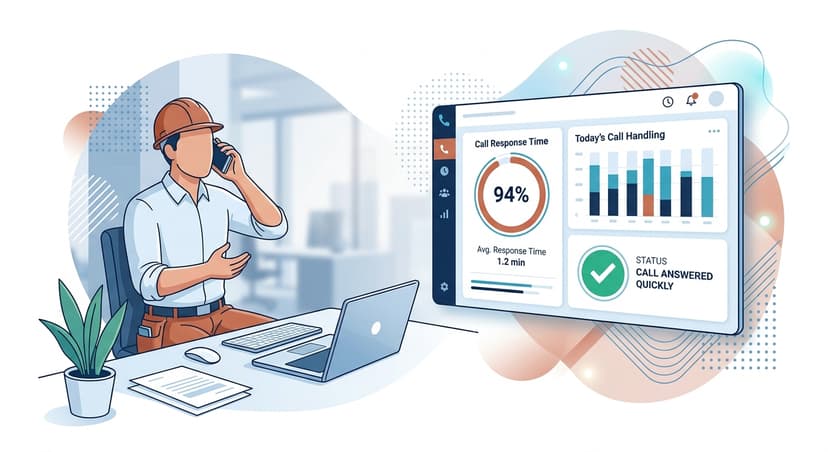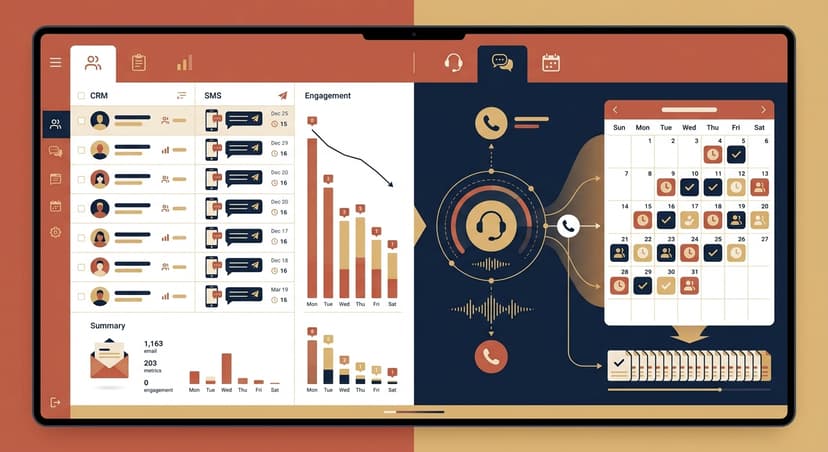
AI receptionist script templates are pre-built call flows that define how your voice agent greets, qualifies, and books callers — with branching logic for emergencies, existing customers, and price shoppers. The 8 industry-specific scripts below are written in the same plain-English format used to configure a RevSquared agent, so you can copy, paste, and go live today.
Everything below is real. Not "Hi, thanks for calling, how can I help you today?" repeated eight ways. These are actual call flows — with the branching logic that makes the difference between a booked appointment and a hang-up.
An AI receptionist script doesn't just answer the call. It qualifies the caller, handles objections, and routes emergencies — all before a human ever gets involved. The scripts below give you that logic, written for the specific situations each industry actually faces.
01What Makes an AI Receptionist Script That Actually Converts
Most published AI receptionist scripts fail the same way: they answer the question "what should the AI say?" instead of "what decision should the AI make?"
A greeting is easy. The hard part is what happens after. Does the caller need a quote or a same-day repair? Are they a new patient or an existing one? Is the roofing call about storm damage — high urgency, insurance involved — or a routine estimate?
The scripts below are organized around decisions, not dialogue. Each one starts with an opening that immediately signals the caller reached the right place, branches on the most important qualifier (emergency vs. standard, new vs. existing, urgent vs. planned), collects only what changes the outcome, and closes with a specific next step: a booked appointment, a transferred call, or a captured lead.
The businesses that convert the most calls know which question to ask second. Everyone asks for the caller's name. Almost nobody knows the right second question for their specific call type.
02How to Use These Scripts in RevSquared
Each script below includes two components: the conversation flow (what the agent says and the branch logic), and a plain-English configuration note formatted exactly as you'd type it into RevSquared's prompt adjuster.
You don't need a developer. You don't need to write a prompt from scratch. Type the plain-English instruction into RevSquared, and the agent updates immediately — no ticket, no waiting, no engineering queue. That's the differentiator.
If you want to go live in the next 15 minutes, start a free 7-day trial, pick your industry, drop in the script below, and handle your first call.
03HVAC Dispatch Script: Service, Quotes, and Emergency Routing
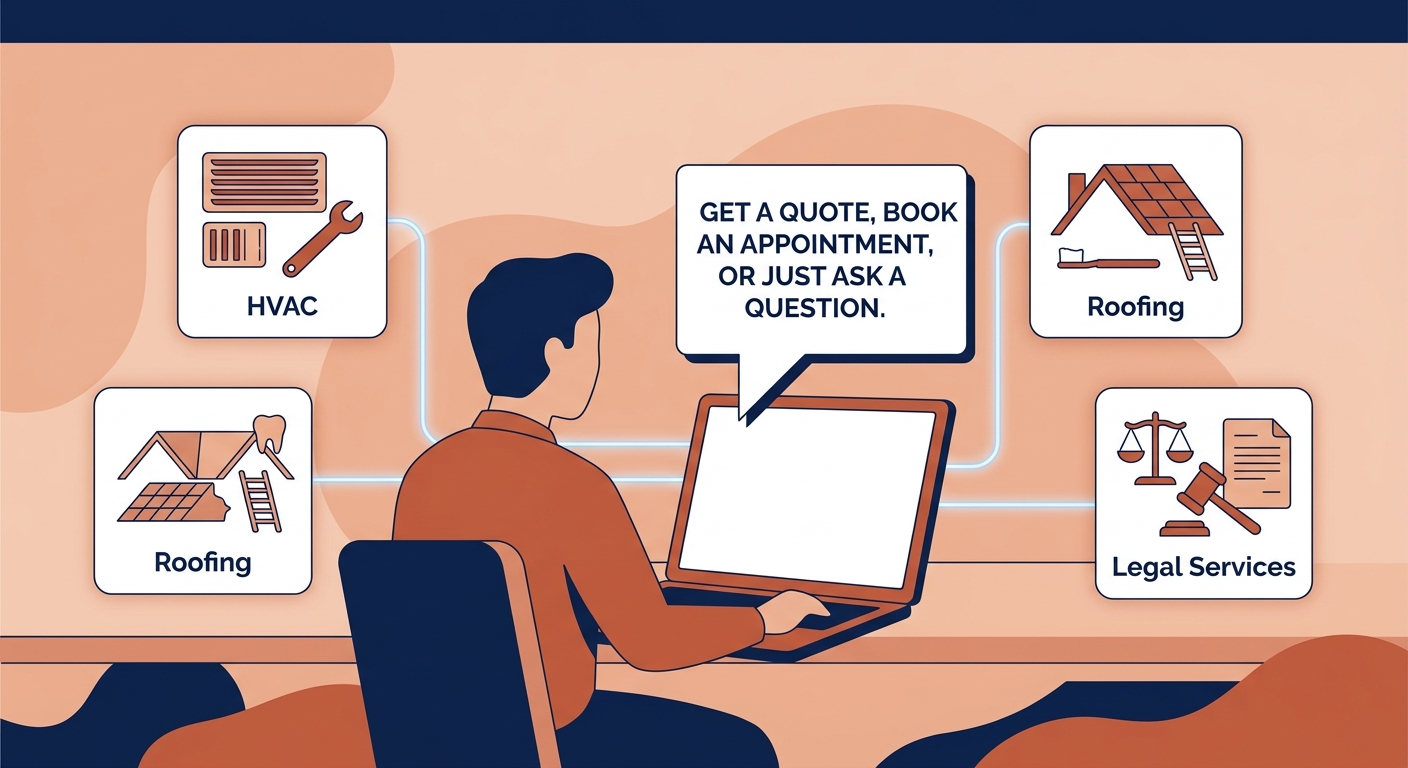
HVAC businesses get three call types that need completely different responses: emergencies (no heat or AC), quote requests, and maintenance visits. Most scripts treat all three the same. This one doesn't.
Opening: "Thanks for calling [Company Name]. Are you calling about a repair, a new equipment quote, or a scheduled maintenance visit?"
If repair:
- "Is this an emergency — do you currently have no heat or no cooling?"
If new equipment quote:
- "What are you replacing — heating, cooling, or both?"
- "Is your home under 2,500 sqft, 2,500–4,000 sqft, or larger?"
- "Are you looking to get this done in the next 30 days?"
If maintenance:
- "Are you on one of our service plans?"
RevSquared config: "If the caller says they have no heat, no cooling, or that their system is completely down, treat this as an emergency. Skip all other questions. Take their address and cell number, tell them an on-call tech will reach out within 30 minutes, and send an SMS alert to [on-call number]. Do not let them hang up without confirming contact info."
For HVAC businesses running Google Local Services Ads, emergency response time is a direct ranking signal — an agent that locks in the caller's details immediately puts you ahead of any competitor routing that call to voicemail.
04Dental Practice Intake Script: New Patient Qualification
Dental offices have two caller types with different booking needs: new patients who need intake paperwork and insurance verification, and existing patients who just need an open slot. Treating them the same wastes time on both sides.
Opening: "Thank you for calling [Practice Name]. Are you an existing patient or calling to schedule as a new patient?"
New patient path:
- "What brings you in — a routine cleaning and exam, a specific concern, or a dental emergency?"
Existing patient path:
- "What's the appointment for — your routine cleaning, a follow-up, or something new?"
- "Can I get your date of birth?" → Match to appointment type → Book
New patient callers who hit a generic hold or "let me transfer you to the front desk" hang up 40% of the time before being booked. A script that branches immediately on new vs. existing — and identifies the emergency in the first question — eliminates most of that attrition.
05Roofing Lead Qualification Script: Storm Damage and Replacement
Roofing calls split three ways: storm damage (insurance-involved, time-sensitive), full replacement estimates, and repairs. Storm damage leads are the highest-value and need the fastest routing.
Opening: "Thanks for calling [Company Name]. Are you calling about storm damage, a roof replacement estimate, or a repair?"
Storm damage:
- "Was this from a recent storm — within the last 30 days?"
- "Have you filed an insurance claim yet, or do you need help with that process?"
Replacement:
- "How old is your current roof?"
- "What's prompting the replacement — age, leaks, or a recent inspection?"
- "Are you the homeowner?" *(must be yes — if renter, ask to have the owner call back)*
Repair:
- "Is it actively leaking right now?"
RevSquared config: "If the caller mentions hail, a recent storm, wind damage, or insurance — book the inspection immediately. Do not let them off the call without a specific date and time. If they say they're a renter, not the owner, tell them we can only schedule with the homeowner and ask if they can have the owner call us directly."
For roofing businesses, storm damage leads are worth 3–5x a standard repair call. The script's job is to identify them in the first exchange and close a booking before the caller dials the next roofer on their list.
Storm damage leads are the highest-value call type in roofing — and the fastest to lose if your script routes them to a generic hold queue instead of booking an inspection on the spot.
06Law Firm Intake Screening Script: Practice-Area Routing
Law firm calls are time-sensitive in both directions. A personal injury claim has a statute of limitations. A criminal defendant may have a hearing tomorrow. The script's job is to route the caller to the right practice area fast — without losing them to a generic hold.
Opening: "Thank you for calling [Firm Name]. To connect you with the right attorney, can you give me a brief description of what you're calling about?"
Personal injury signal:
- "Were you injured due to someone else's actions or negligence?"
- "When did this happen?"
- "Were you treated by a medical provider?"
Family law signal:
- "Is this about a divorce, custody, or another family matter?"
- "Are minor children involved?"
- "Is there an upcoming court date or filing deadline?"
Criminal defense signal:
- "Has a charge or arrest occurred, or are you anticipating one?"
Business/contracts:
- "Is this a dispute, or do you need a contract drafted or reviewed?"
RevSquared config: "Listen for these trigger phrases and route accordingly: 'car accident,' 'slip and fall,' 'injury' → personal injury. 'Divorce,' 'custody,' 'child support' → family law. 'Arrested,' 'charged,' 'DUI,' 'criminal' → criminal defense. 'Contract,' 'business partner,' 'lawsuit against my company' → business law. For any caller who mentions a court date within the next week, offer to have an attorney call them back within the hour."
Law firms that script practice-area routing see intake conversion rates 2–3x higher than firms that answer with a generic greeting and ask "how can I help you?" — because the caller immediately feels routed to the right expertise.
07Property Management Script: Tenant vs. Prospect Routing
Property management companies get two different caller types that need two different responses. Routing a maintenance emergency to the same queue as a prospective tenant showing request is how calls get dropped — and tenants get angry.
Opening: "Thanks for calling [Company Name]. Are you a current resident, or are you calling about a property you'd like to rent?"
Current resident:
- "What's your unit address?"
- "What can I help with — a maintenance request, a billing question, or something else?"
Prospective tenant:
- "Which property are you interested in, or are you looking in [area] generally?"
- "How many bedrooms?"
- "When are you looking to move?"
RevSquared config: "For current residents who mention: no heat, no hot water, gas smell, flooding, electrical outage, or a security concern — treat as a maintenance emergency. Take their unit number, name, and cell number, and immediately send an SMS to [emergency maintenance number]. Do not try to book a regular ticket. For leasing calls, always ask when they're looking to move — 'within 30 days' is a hot lead; 'just browsing' still gets a showing but lower priority follow-up."
The fastest path to 5-star reviews in property management is response time on maintenance emergencies. An AI agent that captures the call at 11pm and alerts on-call maintenance immediately turns a tenant's worst night into a trust-building moment — before any competitor's voicemail even picks up.
08Cleaning Service Estimate Script: Qualifying Size, Frequency, and Budget
Cleaning estimate calls need to qualify two things fast: scope and recurrence. Recurring clients are worth 4x a one-time customer over 12 months. The script treats them that way.
Opening: "Thanks for calling [Company Name]. Are you looking for recurring cleaning service or a one-time job?"
Recurring service:
- "Is this for a home or a commercial property?"
- "How many bedrooms and bathrooms?"
- "Any pets?" *(affects time and supplies)*
- "How often — weekly, bi-weekly, or monthly?"
One-time:
- "Is this a move-in clean, move-out clean, or a deep clean for another reason?"
RevSquared config: "If the caller mentions moving out or a lease end, this is time-sensitive — ask for their move-out date before anything else and book them into the closest open slot. If we're full within their window, offer a waitlist or refer to a partner service. For recurring callers, mention that bi-weekly clients get the lowest per-visit rate — that objection handles itself if you lead with it."
For cleaning businesses with strong recurring revenue, identifying the recurring vs. one-time caller in the first question shapes the entire conversation. One-time callers need a price. Recurring callers need to feel like they're getting a better deal for committing — and the script above delivers that without a sales pitch.
Recurring cleaning clients are worth 4x a one-time customer over 12 months. Your script's job is to identify them in the first 30 seconds — and make the recurring option feel like the obvious choice.
09Home Services After-Hours Script: Capturing Emergency Calls
After-hours calls are where most home service businesses lose the most money. The caller is often in crisis — and calling competitors simultaneously. The script's job is to capture the lead before the next company does.
Opening: "You've reached [Company Name]'s after-hours line. If this is an emergency, stay on the line. For scheduling, I can take your information now and someone will confirm your appointment by 8am."
Emergency:
- "What's the emergency?"
- "What's your address?"
- "What's the best cell number for a callback?"
- "Our on-call team will reach you within [30/60] minutes. I'm sending the alert now."
Non-emergency:
- "What service do you need?"
- "What day and time works best for you?"
- "Can I get your name and number?"
RevSquared config: "After 6pm on weekdays and all day on weekends, treat these as emergencies: no heat, no AC during extreme weather, active water leak or flooding, electrical outage, gas smell, or no hot water. For everything else, take the lead and tell them we'll confirm by 8am. Do NOT try to access the calendar or book a real slot after hours — collect the lead, set the expectation, and flag for morning follow-up."
After-hours callers in home services convert at 35% when reached — roughly the same rate as business-hours inbound. The difference is that without an AI agent, more than half those calls go unanswered. A $0 call capture that converts at 35% is the highest-ROI per-minute spend in your business.
You can also see how much you're leaving on the table right now with our missed call cost calculator.
10The Script Mistake That Kills the Most Calls
The single most common thing that needs fixing in new client accounts in the first week: the script asks for too much information before it earns the caller's trust.
"What's your full name, address, email, and phone number?" in the first 30 seconds is the fastest way to lose a caller who picked up the phone because they have a problem, not because they want to fill out a form.
The right sequence is always:
1. Understand their problem (one question) 2. Show you can solve it (one sentence) 3. Then collect contact information
The dental script above doesn't ask for the patient's name until after it understands why they're calling. The HVAC script routes the emergency before it asks for an address. The roofing script confirms service area after it qualifies storm vs. routine.
If you're seeing high call volumes but low bookings, the fix is almost always in the order of operations, not the words themselves. And every script in this post follows that sequence.
You can update any of these in RevSquared with a single plain-English instruction. "Don't ask for their name until after you know why they're calling" is a valid configuration update. Type it in — the AI Sales Manager tracks what's working across calls and flags patterns that suggest your script needs a tweak, so you're not guessing what to change.
11Bottom Line
Generic scripts get generic results. The flows above are built around the actual decision branches that matter for each industry — branching logic a standard AI overview cannot hand you because it doesn't exist in any one place. Each one is written in the same plain-English format you'd use to configure a RevSquared agent from scratch.
Pick the script closest to your business, drop in your company name and specifics, and you can be live in under 15 minutes. As calls come in, refine in plain English — "if they mention financing, tell them we offer 18 months no interest" — and the agent improves with every update.
If you're still evaluating which AI answering platform fits your business, start with our best AI answering service guide. Already decided? Get started free. See pricing and plan details before you sign up.
12Frequently Asked Questions
Can I use these scripts with any AI receptionist platform?
The call flows and branching logic work on any platform, but the plain-English configuration notes are specific to RevSquared. Other platforms require you to translate the logic into a formal prompt or workflow builder. RevSquared accepts natural-language updates — the same way you'd explain a change to a human employee. That's why "don't ask for their name until after you know why they're calling" is a valid instruction instead of a prompt engineering project.
How often should I update my AI receptionist script?
Review your script any time you change a service, adjust pricing, add a call type, or notice callers asking something your agent can't handle. Most RevSquared clients update their agent once or twice a month in the first 90 days, then less frequently as the agent stabilizes. The Sales Manager AI also flags patterns across calls that suggest a script update is needed — so you're not manually listening to recordings to find what's breaking.
What's the most important part of an AI receptionist script for home services?
Emergency routing. A caller with no heat or an active water leak who hits a voicemail calls your competitor next. The HVAC, after-hours, roofing, and property management scripts above all branch on emergency first — before any qualification — because a failed emergency routing is a lost customer you'll never recover. Get that branch right before you optimize anything else.
Do I need a developer to set up these call flows?
Not with RevSquared. You type the configuration in plain English — "if the caller mentions storm damage, book an inspection immediately and ask for their claim number" — and the agent follows it on the next call. No prompt engineering, no workflow builder, no code. Most business owners have their agent running their exact call flow within the first hour of signing up.
Can my AI receptionist handle calls in multiple languages?
RevSquared supports multi-language call flows. You can configure the agent to detect language preference in the first exchange and continue in Spanish, French, or another language. For industries with significant non-English speaking customer bases — cleaning services, landscaping, HVAC — this is a meaningful upgrade over a single-language script that loses the caller at "I'm sorry, I didn't understand that."
The 2026 Google LSA Playbook
Dominate your local competition, rank #1 on Google Local Services Ads, and turn Google into your top salesperson. Built for service businesses.
Get It Free
Try RevSquared free for 7 days.
Set up your agent in under 5 minutes. Live on your existing number. No contract.