Reactivation campaign templates are pre-written SMS, email, and call scripts for re-engaging dormant leads and past customers who stopped responding. The most effective sequences run 6-8 touchpoints over 18-21 days, starting with SMS and ending with an AI voice call. Home service businesses running RevSquared's automated reactivation average 12-18% booking rates from cold lists.
Every contractor has a graveyard in their CRM. Old quotes that never closed. Past customers who went quiet. Leads from last season who said "maybe later." The average home service business sits on 300-500 dormant contacts — contacts they already paid to generate.
The problem is rarely deciding to run a reactivation campaign. The problem is what to say. Most business owners open a blank SMS, type "Hey, just checking in…" and send something that reads like a mass blast. It gets ignored. The campaign dies on day one.
These templates solve the blank page problem. Below is a complete copy-paste library: a 6-message SMS sequence, 3 email templates organized by lead age, an AI call script with response branches, and industry-specific variations for HVAC, roofing, and plumbing. Everything you need to run your first reactivation campaign this week.
If you need the strategy before the scripts, how to run a successful reactivation campaign covers the full approach. This post is the exact words.
The blank page stops most reactivation campaigns before they start. Business owners know they should run them — they just don't know what to say. These templates fix that.
01Why Reactivation Works — and Why Most Attempts Fail
According to Harvard Business Review, acquiring a new customer costs five to seven times more than retaining an existing one. For home service businesses, that math is even starker: past customers already trust your work, already know your pricing, and already know how to reach you. They just stopped.
Most reactivation attempts fail because the message sounds generic. "We miss you." "It's been a while." "Check out our latest offers." These perform like mass blasts because they are mass blasts. The templates below are written to sound like a text from the owner — because that is what actually gets a reply.
The other common failure is quitting after one or two touches. Research from Invespcro shows it takes an average of five contacts to convert a dormant lead. Most businesses send one and conclude the lead is dead. The lead was not dead — the follow-up sequence was.
02The 18-Day Sequence Framework
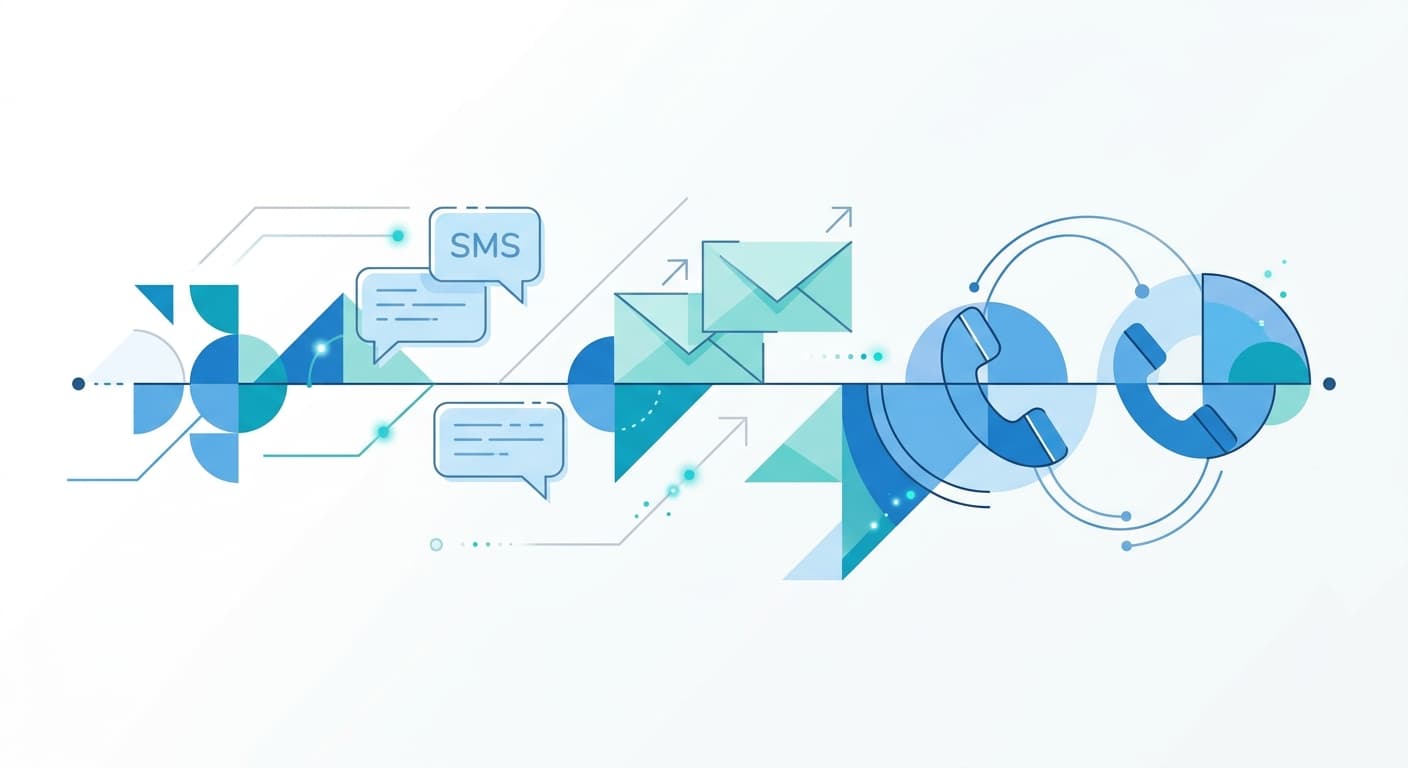
The structure that consistently books dormant leads: SMS first (98% open rate), email for context-heavy follow-ups, and an AI voice call on day 21 for contacts who saw your texts but never responded. Every channel has a job. None of them alone is enough.
| Day | Channel | Message Type | Expected Response Rate |
|---|---|---|---|
| 1 | SMS | First touch — low-pressure check-in | 8–12% |
| 3 | SMS | Seasonal / contextual value add | 4–7% |
| 5 | Social proof + soft offer | 2–5% | |
| 7 | SMS | Social proof — job nearby | 3–6% |
| 10 | SMS + Email | Incentive / time-limited offer | 5–9% |
| 14 | SMS | Urgency / schedule closing | 3–6% |
| 18 | SMS | Breakup message | 6–11% |
| 21 | AI Voice | Outbound call via RevSquared | 12–18% |
Run this across 300 dormant leads and you recover 36 to 54 booked jobs from a list you already paid to generate. The database reactivation ROI calculator lets you plug in your list size, average job value, and close rate to see the exact number before you start.
The average home service business has 300–500 dormant leads sitting in their CRM. One properly-sequenced reactivation campaign recovers 12–18% as booked jobs — from a list they already paid to generate.
03SMS Templates: First Touch Through Breakup
Keep every SMS under 160 characters where possible. No links in the first two messages — links suppress open rates on initial contact. No corporate sign-offs. Sound like the owner texted you directly.
Day 1 — First Touch
Hey [First Name], it's [Owner Name] from [Business Name]. You reached out about [service] a while back — just checking if you still need it. We have a few openings this week. Reply YES and I'll get you on the schedule.
Day 3 — Seasonal Value Add
[First Name] — [season] is when most [service type] issues get worse fast. Waiting usually turns a small fix into a big one. We have openings this week. Reply BOOK or call us at [Number].
Day 7 — Social Proof
[First Name], [Business Name] here. We just finished a [service] job nearby — saved the homeowner $[X] by catching it early. If you'd like the same, a few slots are still open. Reply YES.
Day 10 — Incentive
[First Name] — [X]% off [service] for past customers this week only. First [X] to reply get priority scheduling. Reply DEAL to claim it. -[Business Name]
Day 14 — Urgency
[First Name], our [Month] schedule is filling up fast. If you want to get in before we close it out, now is the time. Reply to lock your spot or call [Number] directly.
Day 18 — Breakup
[First Name] — last message from us. If you ever need [service], we're here: [Number]. No hard feelings either way. -[Business Name]

The Day 18 breakup message consistently outperforms Day 7 and Day 10 in response rate. Loss aversion is real — people reply when they think they're about to lose access, even from a business they haven't thought about in months.
04Email Templates by Lead Age
Email handles what SMS cannot: context, nuance, and extended objection handling. Match the tone to how long the lead has been cold. A 30-day lead got busy. A 6-month lead may have hired someone else and had a bad experience.
30–90 Days Cold: Still Thinking About It?
Subject: Still thinking about it?
[First Name],
You reached out about [service] a couple months back. Things happen — schedules get busy. If you're still thinking about it, I can usually get you on the schedule within the week.
No phone tag needed. Just reply to this email with a rough idea of when works for you.
— [Owner Name], [Business Name]
90–180 Days Cold: It's Been a While
Subject: It's been a while, [First Name]
Quick note from [Business Name].
You reached out about [service] back in [Month]. We haven't talked since. If the issue is still there — or got worse — we'd love the chance to fix it right.
If you already went with someone else and it didn't work out, that's fine too. We're easy to reach: [Number].
— [Owner Name]
180+ Days Cold: Last Note From Us
Subject: Last note from us, [First Name]
[Business Name] here.
We're doing a quick pass through our old contacts and wanted to reach out one final time. You inquired about [service] about [X] months back.
If you still need it done — or something new has come up — just reply. Otherwise, we'll remove you from the list and you won't hear from us again. No hard feelings either way.
— [Owner Name]
Voice outperforms email for cold leads. A well-tuned AI agent pulls 12–18% response rates from lists where email is getting 2–3%. Most businesses never try the voice channel because they don't have a script.
05The AI Call Script: What RevSquared Says When It Dials Your List
This is the script RevSquared runs when you launch an outbound reactivation campaign. The agent knows each caller's name, their service history, and how long it has been since they last contacted you. Every line updates in plain English — no prompt files, no developer tickets.
Opening:
"Hi, is this [First Name]? Great — this is [Agent Name] calling from [Business Name]. You had reached out to us about [service] a while back, and we wanted to follow up. Is that something you're still looking to get done, or have you already taken care of it?"
If interested:
"Good to hear. We have openings coming up — [Day] and [Day] both work on our end. Which one might work for you? Or if neither fits, I can find a time that does."
If already handled:
"Totally understand — glad it got sorted. If anything else comes up with your [service type], we're always here. Have a great [day/evening]."
If bad time:
"No problem at all. Is there a better time for me to follow up? Or if you'd prefer, I can send a quick text instead."
Voicemail:
"Hi [First Name], this is [Agent Name] from [Business Name]. We're following up on your inquiry about [service]. If you're still interested, give us a call at [Number] or reply to any of the texts we've sent. We have openings this week. Talk soon."
To adjust any of these lines in RevSquared, you type the change directly: "On the voicemail message, add that we offer free estimates." The agent updates immediately. For a deeper look at how AI handles the full reactivation conversation — including how it responds to objections it hasn't seen before — see AI lead reactivation.
06Industry-Specific Variations
The templates above work across trades. These are tuned for the three industries where reactivation campaigns consistently perform at the top end of that 12-18% range.
HVAC
The seasonal angle is the strongest opener for HVAC. Customers who inquired about a tune-up before summer and never booked are a warm list — the service is still relevant, the problem got worse, and there is a clear deadline.
SMS Day 1 (HVAC): Hey [First Name], [Business Name] here. You reached out about your HVAC back in [Month]. With [season] coming, now is the time to get it serviced before it becomes an emergency. We have spots this week. Reply YES to schedule.
Call Script Hook (HVAC): "We're reaching out to customers who've inquired about HVAC service before [season]. Systems that weren't prepped this time of year are the ones that break down on the hottest day — we wanted to make sure you had priority on our schedule."
For full HVAC-specific reactivation benchmarks and campaign structures, see database reactivation for HVAC contractors and the HVAC industry page.
Roofing
Roofing reactivation works best in the window before rain or storm season — urgency is built in.
SMS Day 1 (Roofing): Hi [First Name], [Business Name] here. You got a roofing estimate from us in [Month]. Before rain season hits, it's worth getting that addressed — small issues become expensive leaks fast. We're booking for [Month] now. Reply to set something up.
Email Subject (Roofing): Before it rains: your [Month] estimate is still on file
Plumbing
Plumbing reactivation converts on urgency — the problem the customer originally called about rarely resolves on its own.
SMS Day 1 (Plumbing): [First Name] — [Business Name] here. You reached out about a plumbing issue a while back. If it's still giving you trouble (or got worse), we can usually get someone out same week. Reply YES to schedule.
Call Script Hook (Plumbing): "Plumbing problems almost never get better on their own — and we've seen what happens when they're left too long. We wanted to reach out before it turned into something more serious."
RevSquared lets you update any call script line in plain English — type "don't offer estimates on Sunday calls" and it's done immediately. No prompt files, no dev tickets, no waiting. That is what separates it from every other AI calling tool.
07How to Activate These Templates in RevSquared AI
Setting up a reactivation campaign in RevSquared takes about five minutes:
1. Upload your dormant contact list. Export from your CRM — any CSV with name, phone, service type, and date of last contact works. 2. Clone or build your outbound agent. Your existing inbound agent can be duplicated for reactivation use, or you build a dedicated agent from scratch using the setup wizard. 3. Paste the scripts. Add the SMS sequences to your GHL or Zapier workflow triggered by RevSquared tags. Add the call script to your RevSquared agent using plain-English input. 4. Set the cadence. Day 1 SMS, Day 3 SMS, Day 5 email, Day 7 SMS, Day 10 SMS + email, Day 14 SMS, Day 18 SMS, Day 21 call. 5. Let it run. RevSquared's Sales Manager AI reviews every call, identifies the objections it encountered, and refines how it handles them in the next campaign automatically.
For a comparison of the SMS and CRM platforms that pair best with this sequence, the lead reactivation tools comparison breaks down what works alongside RevSquared. If you are evaluating voice AI platforms for the first time, the best AI answering service guide for small businesses covers the full evaluation checklist.
Start your 7-day free trial and run your first reactivation campaign this week — your list is already full of leads worth recovering.
RevSquared's Sales Manager AI learns from every reactivation call it runs. The second campaign outperforms the first because the agent has already heard every objection your leads give, and updated itself accordingly.
08Frequently Asked Questions
How many messages should a reactivation campaign include?
Six to eight touchpoints over 18-21 days is the structure that consistently books home service leads. Fewer than five touchpoints and you leave money on the table — most callbacks happen on contact four or five. More than eight and you cross from persistent into annoying. Start with SMS on Day 1, layer in email by Day 5, and close with an AI voice call on Day 21 for the non-responders.
What is the best opening line for a reactivation SMS?
Short, specific, and personal. "Hey [First Name], it's [Owner Name] from [Business Name]. You reached out about [service] a while back — do you still need it? We have openings this week. Reply YES." Under 160 characters. No links. Written like the owner sent it directly. Open rates for this format average 65–78% for home service businesses on Day 1.
How old can a lead be and still be worth reactivating?
Leads up to 18 months old are generally worth the attempt for home service businesses. Beyond 18 months, response rates drop below 3% and the effort-to-return ratio turns negative. The 90-180 day window is the sweet spot: the lead is cold enough that they expected you to stop following up, but warm enough that the original intent is still relevant. List age over 24 months should be sunsetted — not reactivated.
Can I use these templates in GoHighLevel?
Yes. The SMS and email templates work in any sequencing platform — GHL, HubSpot, or manual sends. The AI call script is specific to a voice agent. You can record it and load it into a standard dialer, or run it through RevSquared, which additionally self-adjusts based on what it hears on each call. By the third reactivation run, it has already learned your leads' most common objections and updated its responses accordingly.
What response rate should I expect from a reactivation campaign?
SMS Day 1 typically sees 8-12% response from home service lists. The Day 18 breakup message adds another 6-11% on its own. An AI voice call on Day 21 recovers 12-18% from the non-responders. Total campaign booking rate across all channels: 12-22% of contacted leads, depending on list age and service type. HVAC and plumbing tend to sit at the higher end; roofing and general contracting at the lower end.
The 2026 Google LSA Playbook
Dominate your local competition, rank #1 on Google Local Services Ads, and turn Google into your top salesperson. Built for home service contractors.
Get It Free
Try RevSquared free for 7 days.
Set up your agent in under 5 minutes. Live on your existing number. No contract.